Should you use HubSpot Breeze or Claude?
Use HubSpot Breeze for work that should run automatically inside HubSpot, and Claude for work that needs depth across your tools. Most teams need both.
You're paying for Breeze. Half your team is also using Claude or ChatGPT on the side. And nobody is quite sure which one they're meant to use for what.
In practice, use Breeze when the work is anchored in HubSpot and needs to run there - on triggers (like a CRM event), at scale, often with no one watching. Use Claude (or another general-purpose AI) when the work needs depth - harder reasoning, long-form writing and iteration, building tools, or finished files and documents.
Both can now read your CRM data and reach beyond it, so the useful distinction is how the work runs.
The decision that matters is which job goes to which tool.
Neither tool replaces the people who know your business and your platform. AI speeds up the work. Deciding what to build, why, and how it fits the way your teams operate is still a human job - yours, and your HubSpot partner's.
What is HubSpot Breeze in 2026?
HubSpot Breeze is HubSpot's built-in AI: Breeze Assistant, plus the pre-built and custom agents now housed in Agent Hub. It isn't one product any more, and HubSpot reshuffled the line-up twice in 2026:
- 23 July 2026: Breeze Agents moved into a new home called Agent Hub, and Breeze Studio was renamed Agent Builder (both in public beta). Five beta agents were retired the same day, including the Social Post, RFP and ABM Landing Page agents.
- 16 September 2026 (Fall Spotlight at UNBOUND): Breeze Assistant was rebuilt as the front door to everything - you describe the outcome, it assigns the right agents and hands back the work. It's the only product that keeps the Breeze name. Breeze Intelligence enrichment was folded into Smart CRM.
So in this article, "Breeze" means HubSpot's native AI: Breeze Assistant, the pre-built and custom agents in Agent Hub, and the AI features embedded across the hubs.
Much of this is still in beta, and the line-up changes often. Check what's live in your portal before you plan around a specific agent.
Do Breeze and Claude both have AI agents?
Yes. Breeze and Claude can both run agents: AI that carries out multi-step work on its own, as well as answering questions. The old shorthand of "Breeze automates, Claude chats" no longer holds.
Breeze agents live in Agent Hub. The pre-built ones include the Customer Agent, which resolves support conversations, the Prospecting Agent, which monitors buying signals and drafts outreach, and the Data Agent, which researches and fills in CRM data. Agent Builder lets you create your own agents and agentic workflows on your instructions and CRM data.
Claude's agents run in Claude Cowork, which carries out multi-step tasks across your connected tools. Its scheduled tasks run on a recurring cadence, and can keep running when your computer is off, depending on your plan settings. With the HubSpot connector, that work can include your CRM data.
Both can work unattended. They differ in:
|
|
Breeze agents |
Claude agents |
|---|---|---|
|
What starts them |
CRM events (a deal changing stage, a form fill, an incoming chat) or a request |
A schedule or a request |
|
Who they work for |
Your customers and your team |
Your team |
|
What they act on |
Individual records, at scale, inside HubSpot |
A piece of work drawing on HubSpot and your other tools |
|
What they produce |
Actions in HubSpot: replies, tasks, updated records, outreach |
Reports, briefings, research and files |
|
How you pay |
HubSpot credits per action or result |
Your Claude plan |
At BabelQuest, that looks like this:
- A Breeze agent: at our HubSpot GROW Europe stand, a Breeze agent built a personalised ABM plan for each of the 130 visitors who used our app.
- A Claude agent: every Monday, a scheduled task pulls last week's HubSpot pipeline changes, newsletter performance and team discussion from Slack, and produces a marketing briefing.
Breeze runs your CRM. Claude runs the work around it.
When should you use HubSpot Breeze?
Use HubSpot's AI - Breeze Assistant and its agents - when the work should happen inside HubSpot, on its own, every time. It acts directly on your records, responds the moment something changes, talks to your customers, and stays inside the permissions, audit trail and data governance you already have. No AI tool outside HubSpot does all of that natively.
Breeze Assistant also reaches beyond your portal. It has web search and file upload, can take up to five URLs as context, and connects to apps like Google Workspace, Slack, Teams, Notion, Asana and G2. Its strength is still the work that happens in HubSpot.
- Work that runs while you sleep. The Customer Agent resolves support conversations on your live channels. The Prospecting Agent monitors buying signals and drafts outreach. They react the moment something happens, and they can face your customers directly.
- Real example: The College of West Anglia replaced its rule-based website chatbot with the Breeze Customer Agent, deployed by BabelQuest. It has resolved 68% of student enquiries autonomously - 323 of 473 conversations - around the clock, with no added headcount and within a fixed credit budget. A second, custom Breeze assistant mines the chat transcripts for content gaps, so the resolution rate keeps improving. Read the CWA story.
- Real example: The College of West Anglia replaced its rule-based website chatbot with the Breeze Customer Agent, deployed by BabelQuest. It has resolved 68% of student enquiries autonomously - 323 of 473 conversations - around the clock, with no added headcount and within a fixed credit budget. A second, custom Breeze assistant mines the chat transcripts for content gaps, so the resolution rate keeps improving. Read the CWA story.
- Work triggered by CRM events. Agent Builder lets you build custom agents and agentic workflows on your own instructions and CRM data.
- Example: when a deal moves to "Contract sent", a custom agent checks whether a decision-maker is associated, researches the company if not, and creates a task for the rep.
- Example: when a deal moves to "Contract sent", a custom agent checks whether a decision-maker is associated, researches the company if not, and creates a task for the rep.
- Quick answers in the flow of work. For sales and service teams, Breeze Assistant sits where they already work, with the record in front of it.
- Example: before a renewal call, a customer success manager asks Breeze Assistant to summarise the account's open tickets, recent emails and product usage data - without leaving HubSpot.
- Example: before a renewal call, a customer success manager asks Breeze Assistant to summarise the account's open tickets, recent emails and product usage data - without leaving HubSpot.
- Keeping the CRM clean. Smart CRM now captures calls, emails and meetings without manual entry.
- Example: reps stop skipping call notes because the notes write themselves, so pipeline reviews run on what actually happened.
- Example: reps stop skipping call notes because the notes write themselves, so pipeline reviews run on what actually happened.
- Campaigns from portal insight. Marketing Studio opens on insights like your AEO visibility score or an underperforming segment, then hands the fix to Breeze's campaign and content agents.
- Example: engagement drops in your manufacturing segment. Breeze Assistant plans a re-engagement campaign and drafts the emails and landing page for your team to review.
- Example: engagement drops in your manufacturing segment. Breeze Assistant plans a re-engagement campaign and drafts the emails and landing page for your team to review.
- Personalisation at scale. Breeze can tailor content to each contact using their CRM properties and behaviour.
- Example: one nurture sequence, automatically adapted by industry and lifecycle stage across thousands of contacts.
When should you use Claude or another general-purpose AI?
Use Claude when the work needs depth: harder thinking, more iteration, or a finished piece of work at the end. With HubSpot's connector it can read and update your CRM too, so it works from your real CRM data.
- Analysis across lots of messy inputs. Finding patterns means reasoning across data, documents and context that don't line up neatly.
- Example: give Claude twelve months of closed-lost deals from HubSpot, the related call transcripts and three competitors' pricing pages, and ask it to surface patterns in why you lose - a faster starting point for deciding what to change.
- Example: give Claude twelve months of closed-lost deals from HubSpot, the related call transcripts and three competitors' pricing pages, and ask it to surface patterns in why you lose - a faster starting point for deciding what to change.
- Long-form writing with a human editor. Reports, guides, proposals and thought leadership that need several rounds of refinement and a specific brand voice.
- Example: turn a webinar transcript, two case studies and a product update into a 2,000-word guide, then rework it section by section with your team's feedback.
- Example: turn a webinar transcript, two case studies and a product update into a 2,000-word guide, then rework it section by section with your team's feedback.
- Prototyping and simple tools. Claude can draft code and mock up simple tools, but anything going into your live platform should be built or reviewed by people who know HubSpot properly.
- Example: build a simple ROI calculator for the sales team, or mock up a tool so you can show your HubSpot partner exactly what you need.
- Example: build a simple ROI calculator for the sales team, or mock up a tool so you can show your HubSpot partner exactly what you need.
- Finished files and documents. Claude can produce the finished file, ready to edit.
- Example: turn a quarterly pipeline report into a board-ready slide deck or a formatted spreadsheet model.
- Example: turn a quarterly pipeline report into a board-ready slide deck or a formatted spreadsheet model.
- Better-prepared decisions. Claude helps your team prepare for big decisions, while the decisions themselves stay with your people.
- Example: pull together the context before a strategy session with your HubSpot consultant, tighten a campaign brief, or rehearse the objections you'll face in a big pitch.
- Example: pull together the context before a strategy session with your HubSpot consultant, tighten a campaign brief, or rehearse the objections you'll face in a big pitch.
- One-off jobs. Building an agent - and paying credits to run it - is overkill for something you'll do once.
- Example: match a post-event attendee list against your CRM and prioritise who sales should call first.
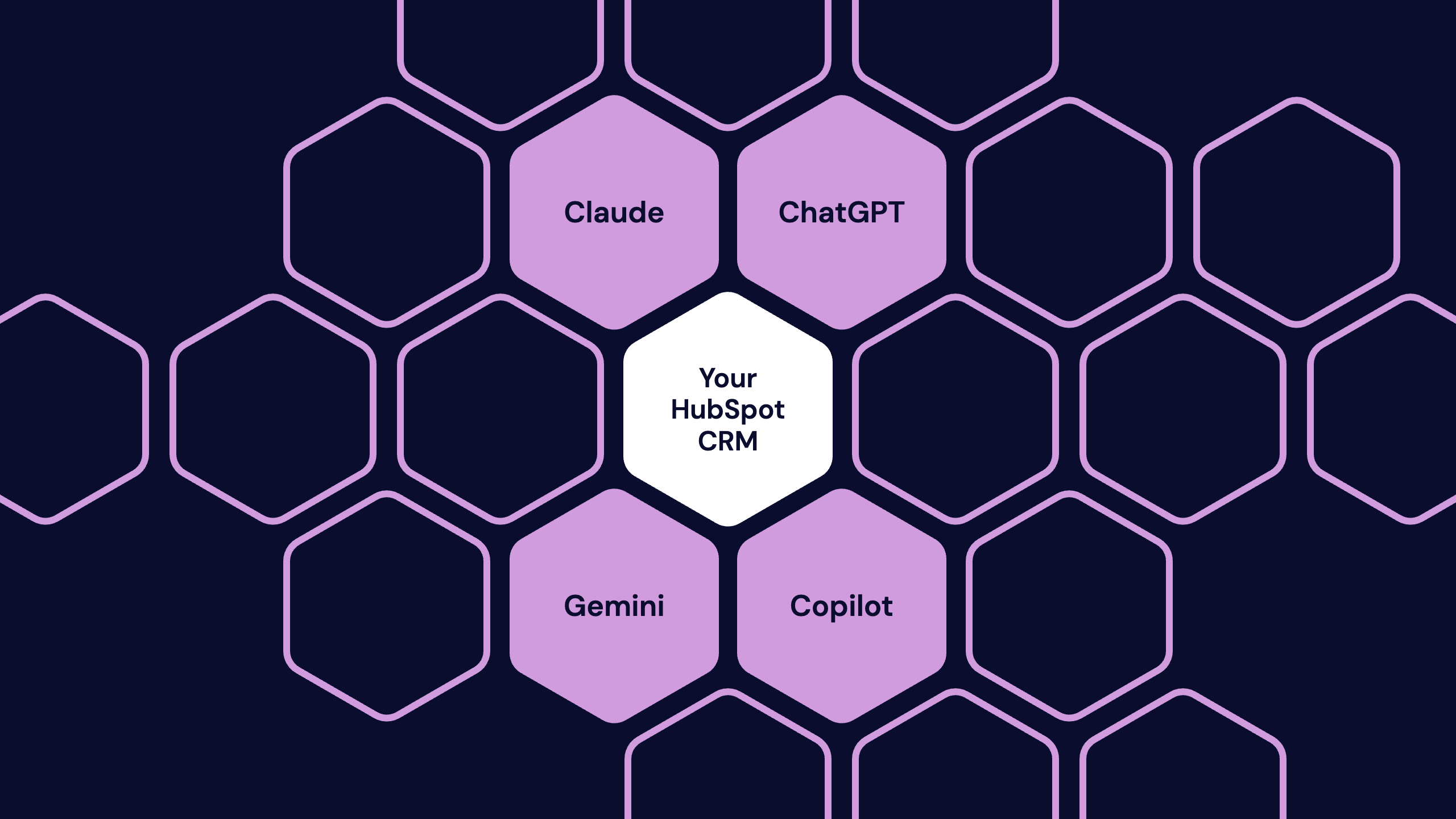
What about ChatGPT, Gemini or Copilot? They sit in the same category as Claude. HubSpot has built connectors for ChatGPT, Gemini and Claude, so the CRM question doesn't decide it. The right pick often comes down to your existing stack, your AI policy, and which tool your team gets the best results from.
Can Claude access your HubSpot data?
Yes. HubSpot's official connector for Claude is free, works on any HubSpot tier with a paid Claude plan, and gives Claude read and write access to your portal - contacts, deals, companies, custom objects, saved reports and, since mid-2026, landing pages, blog posts, marketing emails and AEO tools.
The connector mirrors your HubSpot permissions, so it can't unlock anything your account can't already do. And when Claude creates or updates a record, the change is logged in your audit log against both the user and the connector. For how to set this up safely, see our guide to headless HubSpot and connecting AI tools to your CRM.
With both tools reading your CRM, the practical question is where each piece of work should run:
- Human-led, thinking-heavy, one piece of work at a time → Claude with the connector.
- Automated, repeatable, across hundreds or thousands of records → Breeze.
A typical hand-off runs like this:
- Your team digs into the data. Using Claude connected to HubSpot, they analyse last quarter's closed-lost deals alongside call transcripts and spot a pattern: deals stall when no one from finance is involved by the proposal stage.
- You and your consultant shape the response. Together you decide what to change. Claude speeds up the first drafts of a finance-focused content pack and nurture sequence, and your people make them right.
- Breeze runs it. An Agent Builder workflow, set up by your consultant, flags any deal reaching proposal stage with no finance contact and alerts the rep, while the nurture sequence is personalised for each contact.
- You review it together. A month later, Claude pulls the saved report into a summary, and you and your consultant decide what to change.
We did exactly this at HubSpot GROW Europe 2026. Our stand invited visitors to scan a QR code and answer a few questions about a business they wanted to win. A Breeze agent then built each of them a personalised account-based marketing plan, on the spot - 130 people used it over the event. We used Claude to help shape the concept and the visitor experience, and our consultants built the app in HubSpot, including the required custom objects, agent and associations. HubSpot and Breeze then ran it live, triggered by each form submission, with a dashboard on the stand showing it working in real time.
Claude helps your people reach the answer faster. Breeze puts it to work on every record.
What are the limits of Breeze and Claude?
As of November 2026, Claude can't delete HubSpot records, make large bulk changes or build HubSpot agents, while Breeze is limited to a curated set of connected apps, a changing beta line-up and credit-based costs. Both products change monthly, so check these against HubSpot's and Anthropic's own documentation before relying on them.
Claude with the HubSpot connector can't:
- Delete anything. It can read, create and update contacts, companies, deals, tickets and custom objects, but it has no delete access.
- Make big bulk changes. It creates or updates records 10 at a time. For hundreds or thousands of records, use HubSpot's own workflows or imports.
- Build Breeze agents or HubSpot workflows. It can set up pipelines, stages and properties, but agents and workflows are still built inside HubSpot.
- React to CRM events or talk to your customers. Claude's scheduled tasks run on a cadence or on request, not when a deal changes stage or a chat arrives.
- See engagement data if Sensitive Data is turned on in your HubSpot account.
- Edit the Partner Client Object or Inbox and Help Desk conversations. Both are read-only.
- Apply every HubSpot validation. It respects conditional property rules and pipeline stage validations, but not association label validations.
- Go beyond your permissions or HubSpot's API limits. It mirrors what the connected user can do, a Super Admin has to approve it, and it needs a paid Claude plan.
Breeze can't:
- Connect to any tool you like. Breeze Assistant's connected apps are a curated list, and it changes - HubSpot retired eight connectors, including Smartsheet, Azure DevOps and Productboard, in September 2026.
- Take unlimited outside context. You can give Breeze Assistant up to five URLs per question, and it can't use an app's own search filters, only its search syntax.
- Promise a stable line-up. Agent Hub, Agent Builder and several agents are in beta. Five agents were retired in a single day in July 2026.
- Run without a meter. Custom agents consume HubSpot credits, and the Customer and Prospecting Agents are priced per resolution or per lead, so costs grow with use.
- Work outside HubSpot. Breeze can draw on other tools for context, but its agents act in HubSpot. Work that lives in your documents, code or other systems still needs another tool.
Breeze or Claude: which should you use for each task?
If the job repeats, should run itself, or starts and ends in HubSpot, start with Breeze. If it needs depth, iteration or a finished deliverable, start with Claude.
|
The job |
Best fit |
Example |
|---|---|---|
|
Answering support chats around the clock |
Breeze Customer Agent |
Resolving a billing question at 11pm from your knowledge base |
|
Watching for buying signals and drafting outreach |
Breeze Prospecting Agent |
Flagging a target account that has visited your pricing page three times this week |
|
A process triggered by a CRM change |
Agent Builder |
Creating a task when a deal reaches contract stage with no decision-maker attached |
|
Personalising emails across a large list |
Breeze |
Adapting one nurture sequence by industry and lifecycle stage |
|
Quick answers in the flow of work |
Breeze Assistant |
Summarising an account's tickets, emails and usage before a renewal call |
|
A quick competitor check |
Breeze Assistant (web search, G2) |
"What has this competitor announced this month?" mid-deal |
|
Deep analysis across many sources |
Claude + HubSpot connector |
Why you lose deals, using CRM data, call transcripts and competitor pricing |
|
Long-form content with several rounds of editing |
Claude |
A 2,000-word guide built from a webinar transcript and case studies |
|
Prototyping a simple tool |
Claude |
A sales ROI calculator, or a mock-up to brief your HubSpot partner |
|
Board-ready files |
Claude |
A pipeline review deck or spreadsheet model |
|
A one-off job |
Claude |
Prioritising a post-event attendee list against your CRM |
|
A recurring internal report or briefing |
Claude scheduled task (Cowork) |
A Monday marketing briefing from HubSpot, newsletter results and Slack |
How do Breeze and Claude compare on cost, governance and data?
Breeze is paid for in HubSpot credits that grow with use, while Claude is a per-seat subscription with a free HubSpot connector. How each handles your data, and the quality of that data, matter just as much.
Cost model. Breeze agents run on HubSpot credits. Since April 2026 the Customer Agent is priced per resolution ($0.50) and the Prospecting Agent per recommended lead ($1), and custom agents have consumed credits since July. Use Agent Builder's run limits and simulation mode to estimate spend before you switch anything on. Claude is a per-seat subscription, and the HubSpot connector itself costs nothing extra (though it's subject to HubSpot's API limits).
You can also design an agent around its credit budget. CWA's Customer Agent answers from trusted content first, uses AI reasoning only where needed, and falls back to a non-AI chatflow if usage nears the limit - which is how it has stayed within a fixed, governor-approved budget.
Data and policy. Breeze keeps the work inside HubSpot. The Claude connector sends CRM data into Claude, governed by your agreement with Anthropic. Your AI policy should say which data can go where. Claude Enterprise admins can also restrict the connector to company accounts on a verified domain.
Data quality. Both tools are only as good as the CRM underneath them. Messy properties, duplicate contacts and half-filled records produce unreliable answers in either one. HubSpot's new Context Home scores how complete your data is for AI, which is a useful place to start. Fix the data before you scale either tool.
Frequently asked questions about Breeze and Claude
Is HubSpot Breeze better than Claude? They do different jobs. Breeze is built to run automated work inside HubSpot at scale. Claude is built for reasoning, writing and building across any context. Most teams get the best results using both.
Can Claude update records in HubSpot? Yes. HubSpot's official connector for Claude can create and update records, within the user's existing HubSpot permissions. Every change is logged in HubSpot's audit log.
Is the HubSpot connector for Claude free? The connector is free on all HubSpot tiers. You need a paid Claude plan (Pro, Max, Team or Enterprise).
Is Breeze still called Breeze? Partly. Since July 2026, Breeze Agents is Agent Hub and Breeze Studio is Agent Builder. Breeze Assistant keeps its name and now acts as the front door that assigns work to agents.
Do I need both Breeze and Claude? If you only automate inside HubSpot, Breeze may be enough. If your team also writes, researches, analyses or builds things, a general-purpose AI alongside Breeze will cover the gaps.
Can Claude run agents like Breeze does? Yes, in a different way. Claude Cowork can carry out multi-step tasks and run scheduled tasks on a recurring cadence, using connected tools including HubSpot. Breeze agents can also respond to CRM events and talk to customers directly, which Claude's scheduled tasks don't do.
What is HubSpot Agent Hub? Agent Hub is where HubSpot's AI agents now live, replacing the Breeze Agents name since July 2026. It brings together pre-built agents like the Customer Agent and Prospecting Agent with custom agents and agentic workflows built in Agent Builder.
What's the difference between Breeze Assistant and Breeze agents? Breeze Assistant is the AI you talk to inside HubSpot, and since September 2026 it assigns work to the right agents for you. Agents carry out multi-step work on their own, often triggered by events in the CRM.
Is Breeze included in my HubSpot subscription? Breeze Assistant is built into HubSpot, and Agent Builder is now included from Starter up. Agents use HubSpot credits, and the Customer and Prospecting Agents are priced per result, so check your portal's credit allowance before switching agents on.
Can Breeze replace ChatGPT or Claude? Not entirely. Breeze covers work that lives in HubSpot very well, but general-purpose assistants are still stronger for long-form writing, deep analysis across many sources, building code and tools, and producing finished files.
How BabelQuest helps you choose between Breeze and Claude
Most AI rollouts struggle for the same reasons: nobody decided which job goes where, the data wasn't ready, and teams never changed how they work.
BabelQuest is a HubSpot Elite Solutions Partner, ranked 11th globally, with 600+ projects delivered. Our consultants help you map which work belongs in Breeze and which belongs in Claude, get your CRM data AI-ready, set up agents and the connector safely - and support your team through the change, because adoption decides whether an AI project delivers.
Getting the split right is an ongoing job. Agents need ongoing coaching, both products change monthly, and a job that belongs in Claude this quarter may belong in Breeze next quarter. With BabelQuest Managed Services, a consultant owns that strategy with you - deciding where each job should run across HubSpot's AI and tools like Claude, and keeping it working as the tools change.
Work out where Breeze and Claude fit
If you're not sure which jobs belong in Breeze, which belong in Claude, or whether your CRM is ready for either, talk to us.

Written by
Hollie HigaHollie is Head of Marketing at BabelQuest, an Elite-tier HubSpot Solutions Partner based in Abingdon, Oxfordshire.