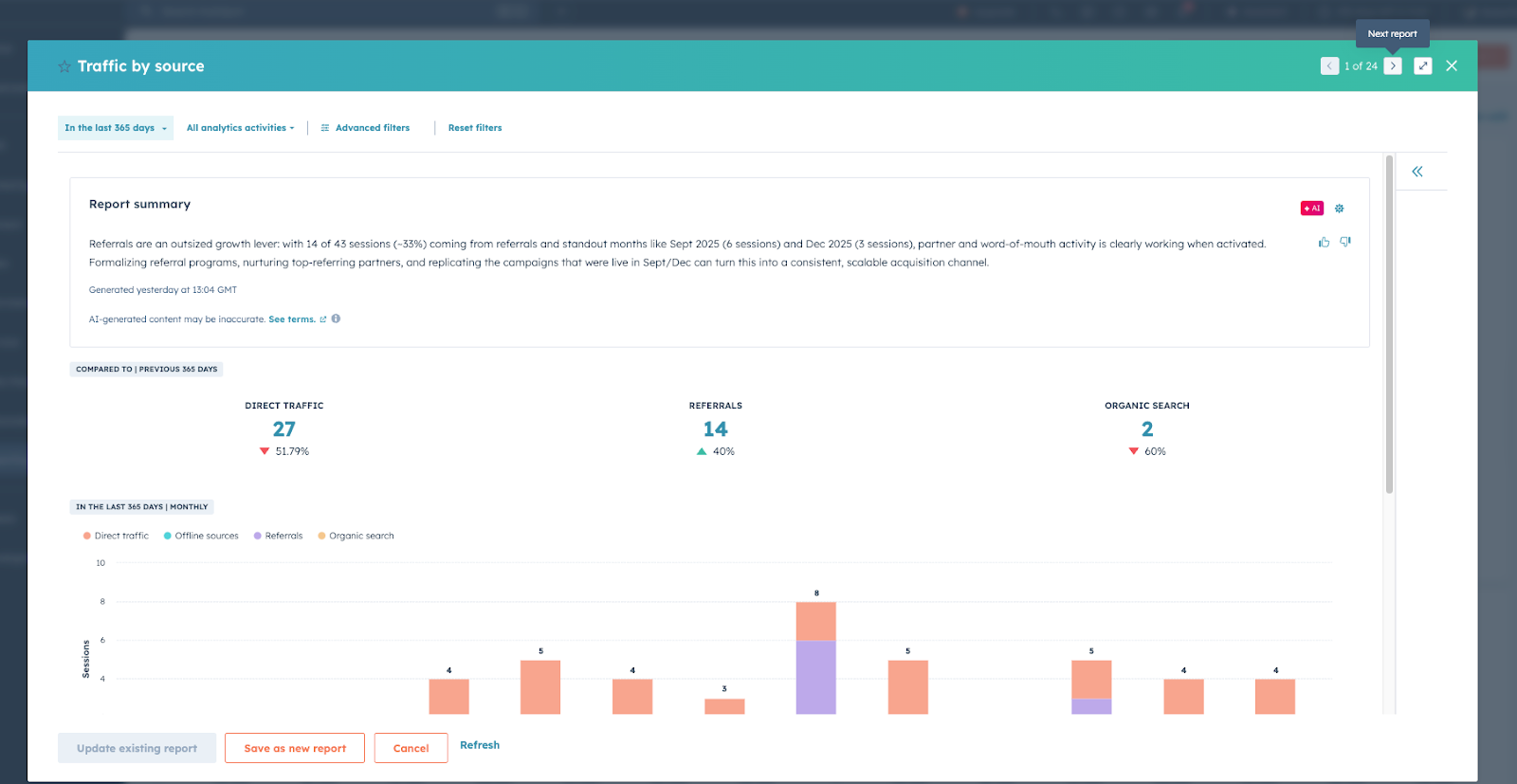
How to use it
- Open your dashboard.
- Click the filter icon / presentation view.

- Navigate between reports while presenting.
- Drill into metrics live to answer questions.
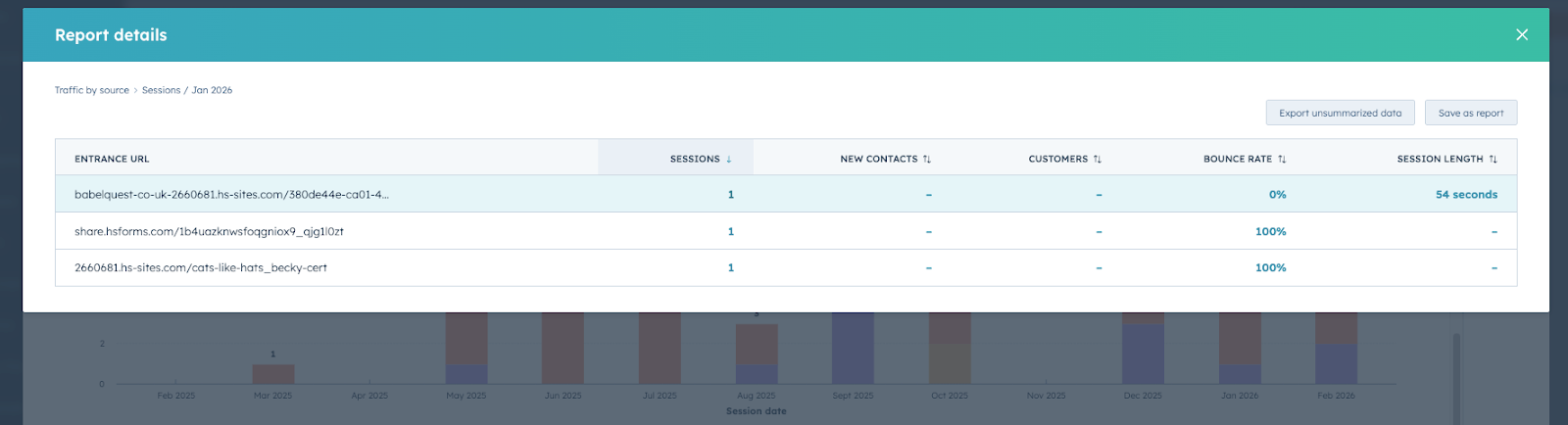
Instead of static slides, you can:
- Explore traffic sources
- Analyse campaign performance
- Review contacts and customers created
- Investigate bounce rates and engagement
Why it works
Presenting live data allows you to:
- avoid outdated screenshots
- reduce human error
- answer questions in real time
- explore insights collaboratively
When should you use this?
This approach works especially well for:
- monthly marketing reports
- leadership reviews
- sales & marketing alignment meetings
- client performance reviews
- campaign performance deep dives