Why This Matters
Most reporting conversations don’t fail because of missing data.
They fail because the story isn’t clear.
This hack helps you:
- Work smarter, not harder - reduce time spent preparing slides
- Speed up insight delivery - surface key trends instantly
- Support less analytical stakeholders - translate data into clear narratives
- Remove bias & manual interpretation - AI summarises objectively
- Keep data live & accurate - avoid outdated screenshots
- Improve decision-making conversations - focus on actions, not numbers
The shift is subtle but powerful:
>Less time building reports
> More time discussing what the data means
That’s where better decisions, and better revenue outcomes, come from.
How to use it
- Navigate to your dashboard or report.
- Click AI Summary.
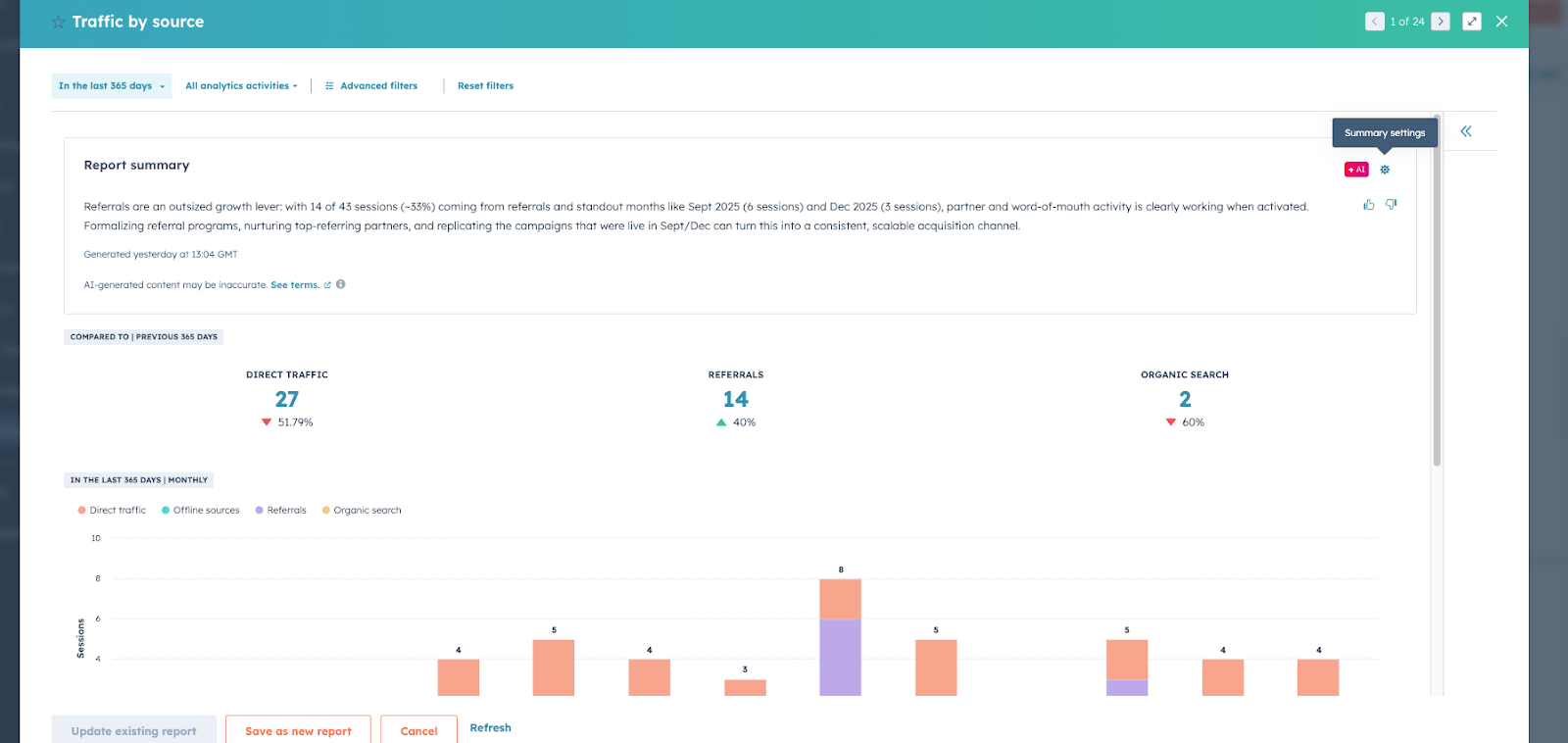
- Review the generated overview.
- Adjust filters (e.g. traffic sources) - the summary updates automatically.
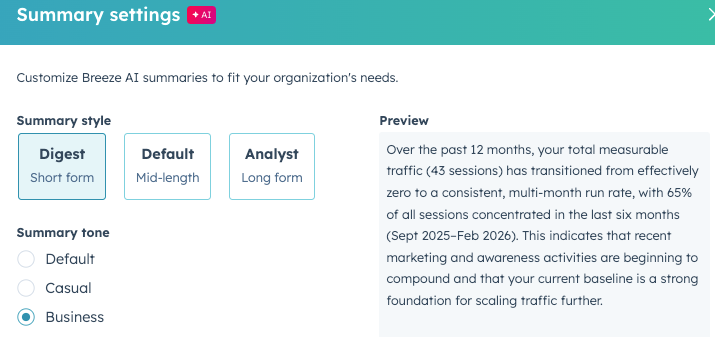
- Adjust the tone by prompting AI for a specific audience.
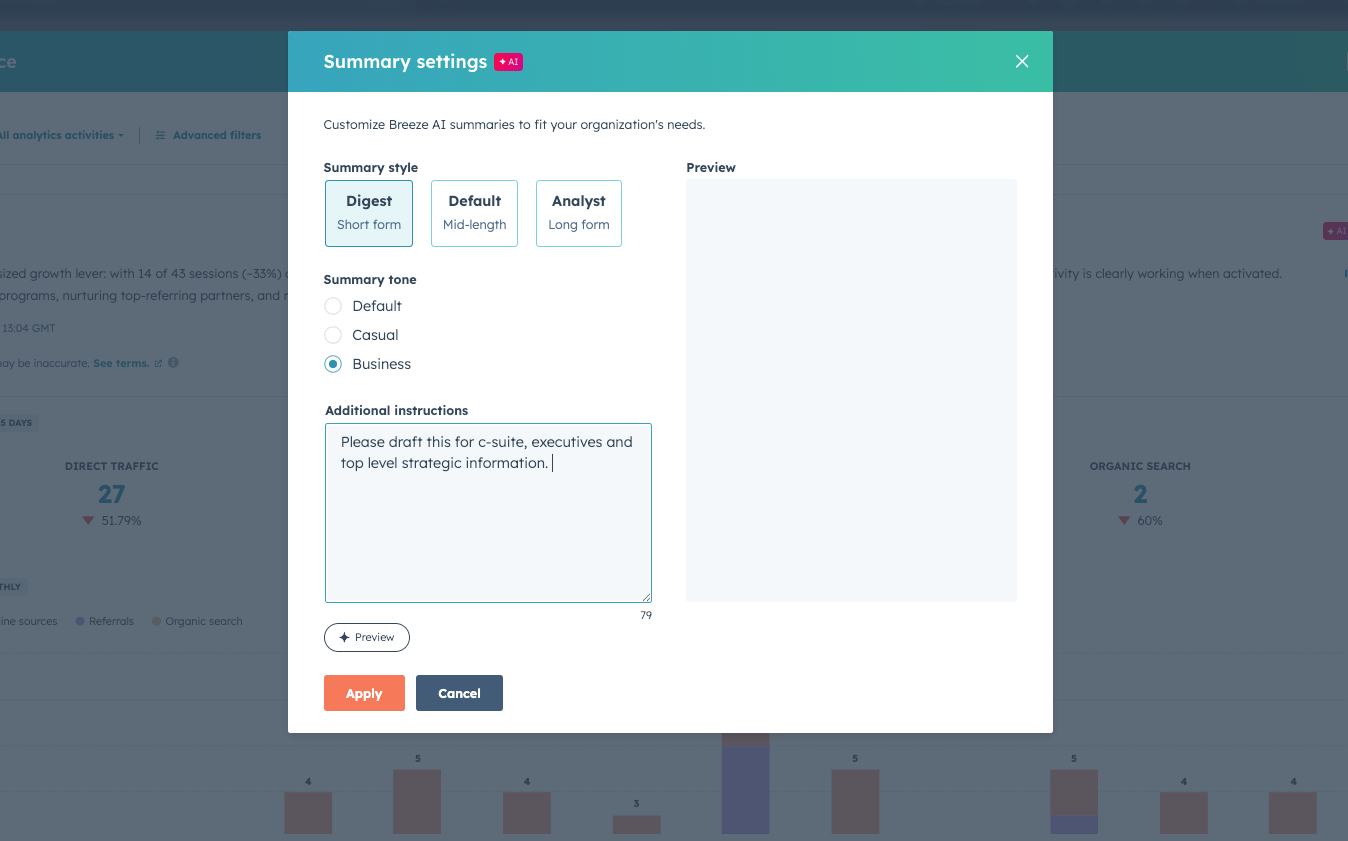
Example prompt:
“Please summarise this report for a board-level audience focusing on strategic insights.”
Pro tip
The default tone can feel robotic. Prompt the AI to tailor the summary for:
- executives
- marketing teams
- sales leaders
- client presentations
Good luck!